Product Updates

Card payment. Full guide

Ksenia Lebedeva
Ksenia Lebedeva
Card payment. Full guide

To top up your Aitarget platform balance by card, click “Top Up Balance” in the top-left corner.
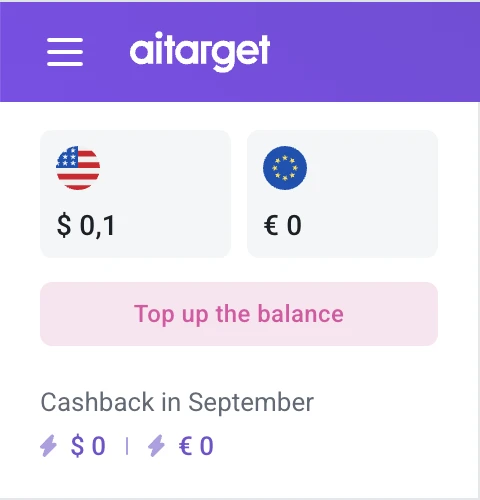
Aitarget platform

A balance top-up window will open. It shows the exact amount you need to pay. The terms for advertising accounts vary depending on the selected country and industry.
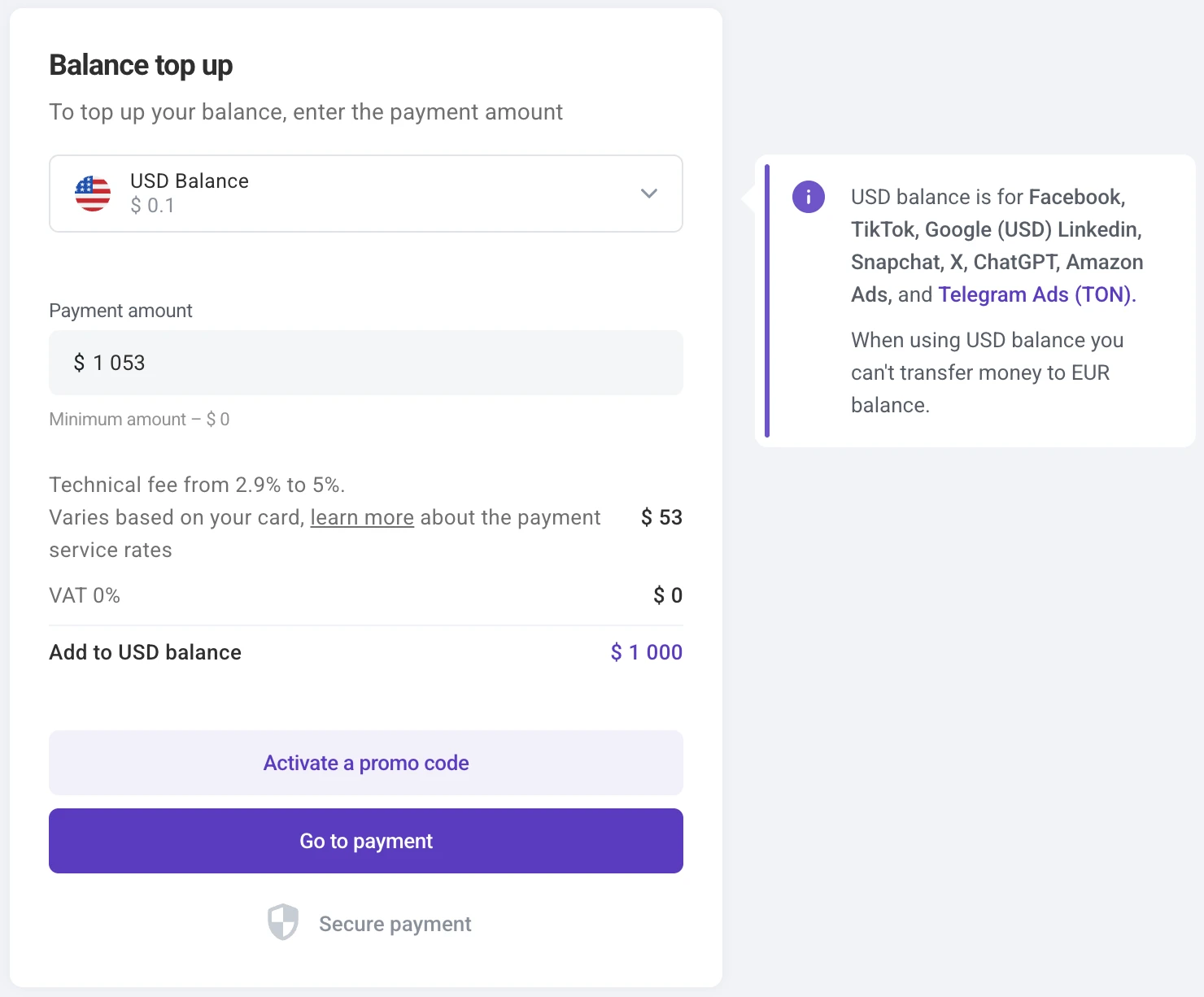
Balance top up window on Aitarget platform

Enter the desired top-up amount and click “Proceed to Payment.” A new window will open with a generated invoice ready for payment.

Last updated:
Sep 11, 2026
Ksenia Lebedeva

Ksenia Lebedeva

Content Manager

Ksenia is a content marketer with experience across B2B marketing, brand communications, and digital growth. She has worked in both product and service-based environments, leading content initiatives for LinkedIn, YouTube, and other digital channels. Her background includes content strategy, SEO, social media, project management, and cross-functional marketing support — with a strong focus on building structured communication that supports business goals.

Help us improve our content

Is this article useful to you?

Tell us what you think

Ready To Optimize Your Campaigns?

Scale your performance marketing with automated solutions for Meta, TikTok, and Telegram.

Start Your Campaign