

.png)
To create an ad on Telegram, you need a Telegram Ads account. You can open it through the Aitarget platform. On Aitarget, you can choose which type of ad account to create: basic (TON) or advanced (EURO).
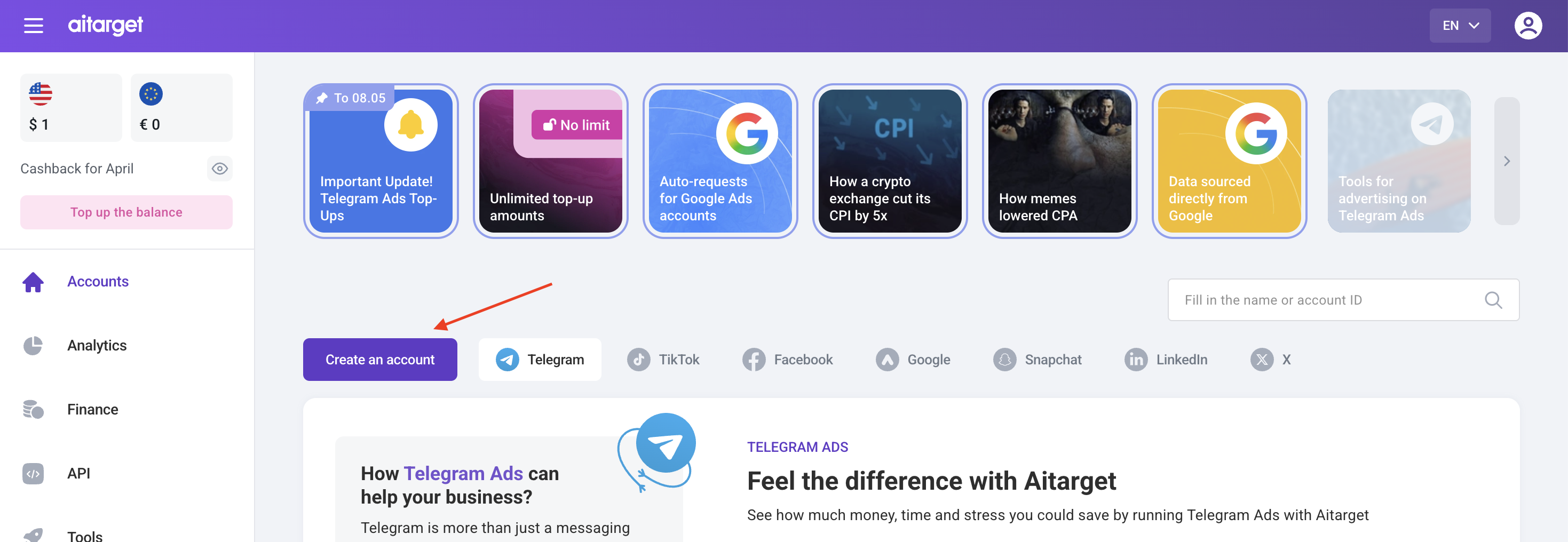
The process takes up to one business day. Once the account is ready, you will receive a notification via email. After that, simply log in to the advertising system and go to your dashboard.
❗ The setup capabilities differ between euro and TON ad accounts. This guide applies to creating an ad in a euro-based account.
Launching an advertising campaign in Telegram is straightforward. The ad settings are similar to other advertising platforms. Let’s go through the process step by step.
Creating first ad
Setting up a campaign
Log in to your Telegram Ads account and select the account where you want to create the ad. Click “Create a new ad.”

A window will open with parameters for your future ad. You can set up ithem based on your goals.
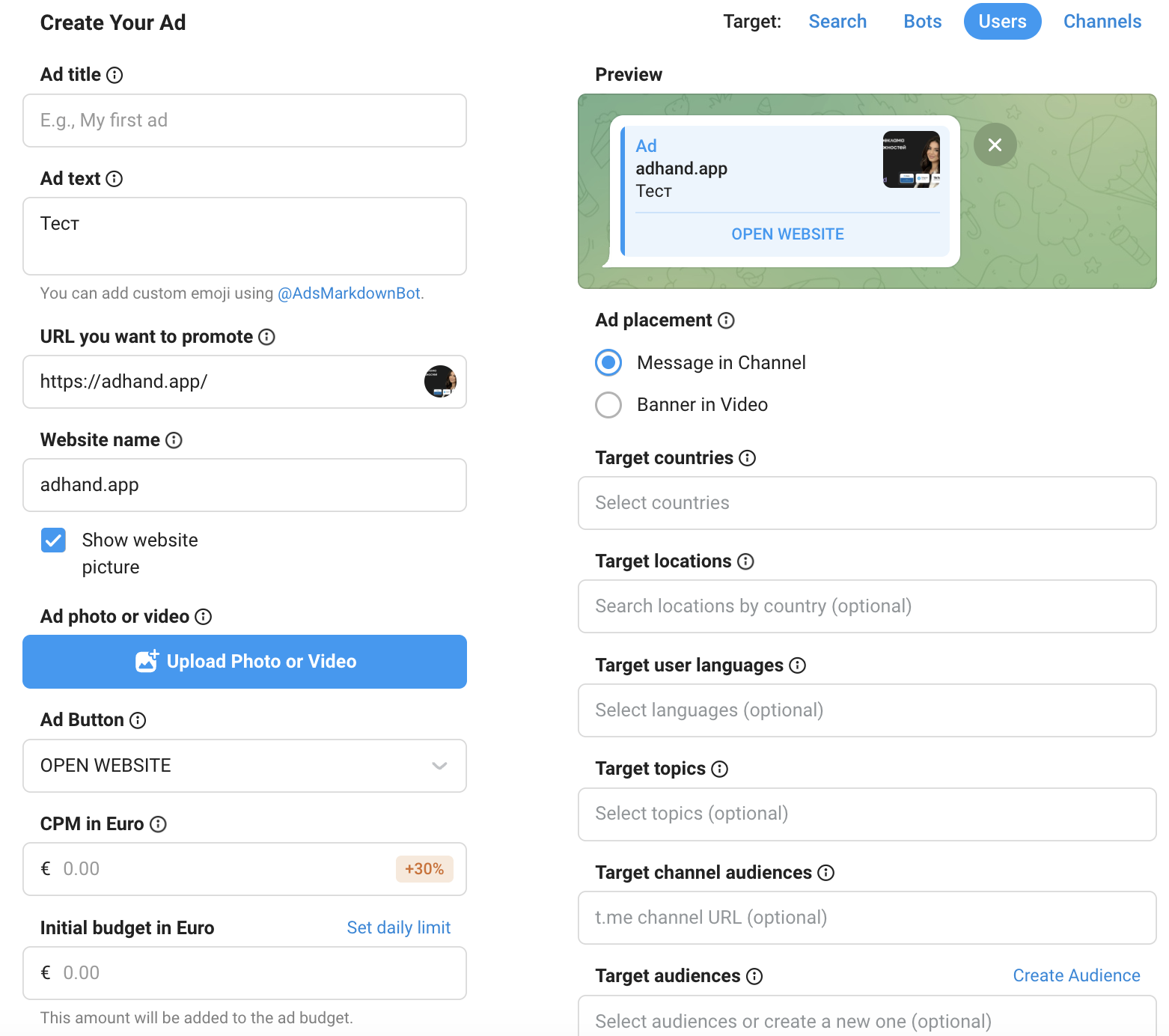
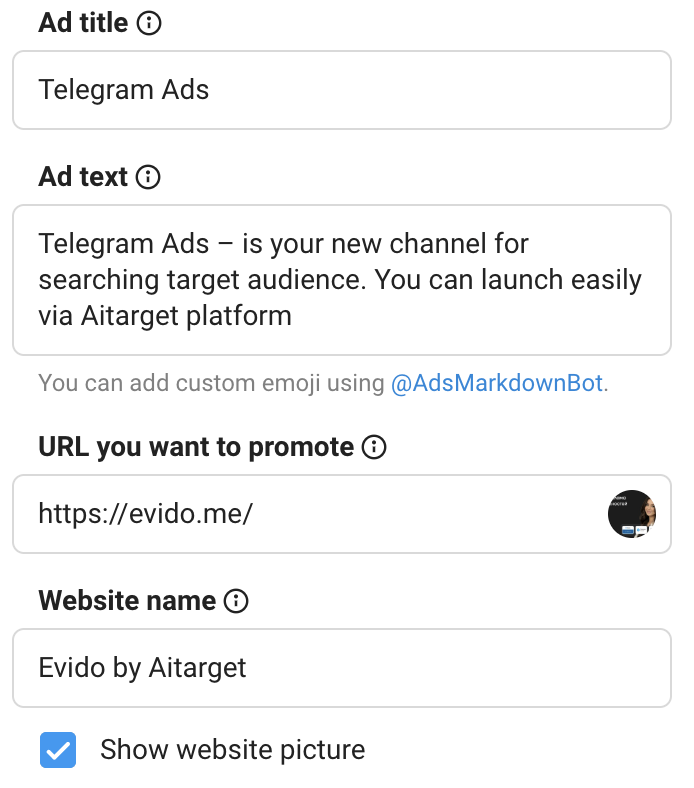
Enter your ad name (Ad title). This name is visible only to you. It’s recommended to keep it short but informative so it’s easy to find in the campaign list and use for analytics.
For example, include:
- what you are promoting
- your targeting
- the offer or targeting type used
💡 Example: TG_Ads_apartments3_interests
- TG_Ads — indicates the channel and helps compare performance with other platforms
- apartments3 — refers to a specific apartment type
- interests — indicates interest-based targeting
Writing the ad text
Now proceed to the ad itself. Add your ad text. Note that it must not exceed 160 characters.
❗ Follow Telegram’s style, spelling, and punctuation rules (similar to other ad platforms):
- Do not use profanity, insults, or vulgar language
- Use standard sentence case (no ALL CAPS or spaced-out words)
- Avoid excessive symbols, exclamation marks, and emojis
- You may use one standard or multiple custom emojis (custom emojis increase CPM by 20%)
- Avoid direct address (“you”) and imperative verbs like “Subscribe” or “Buy”
- Do not address specific audiences (e.g., avoid “Channel for girls”)
- Ensure grammatical correctness and alignment with the landing page
- Do not promote prohibited products or topics
💡 If you see a “URL invalid” error while writing the ad text, it may be because the landing page link hasn’t been added yet. Make sure the URL field is filled correctly.
Adding a link and previewing the ad
Proper link setup and preview are critical for performance:
In the “URL you want to promote” field, you can add links to:
- a website
- a public Telegram channel
- a chatbot
- a specific post in a public channel
- a personal or business profile
- chats linked to a business profile
- a mini app
If your link leads to a website, you can add UTM tags. You can edit the ad headline text, but you cannot shorten links or redirect to social networks.
By enabling “Show website picture”, you can pull an image from the site or upload your own. This increases visibility but raises CPM by 30%.
If promoting a public channel, use an invite link to track performance and subscriber growth.
After adding the link, click “Preview Ad” to see how your ad will appear.
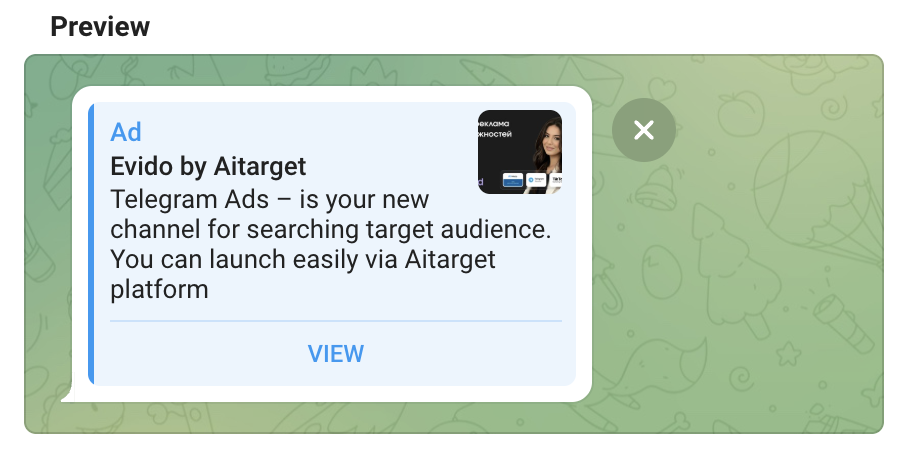
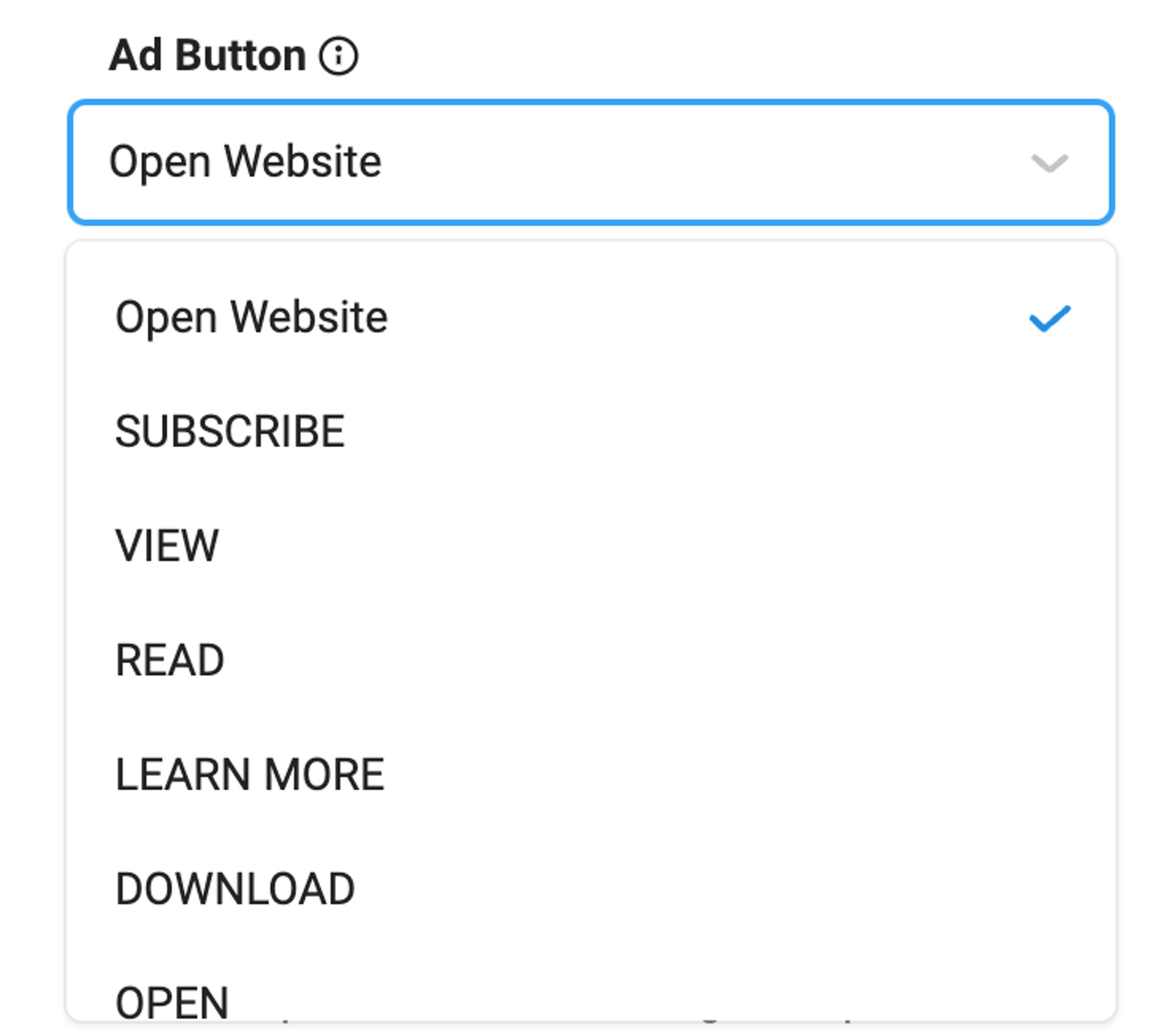
💡 The CTA button text is automatically set by Telegram depending on the link type.
Setting the budget: CPM, total, and daily
Telegram Ads uses a CPM (Cost Per Mille) model — you set the price per 1,000 impressions. The higher your bid, the higher your chances of winning the auction.
💡 If this is your first campaign, start with the minimum bid. If impressions are low, competition in the niche may be high — increase the bid in your next campaign.
Additional settings:
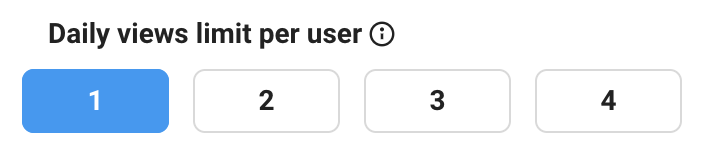
- Daily views limit per user — limits impressions per user per day (not unique impressions).
- Initial Budget — maximum total spend for the campaign. Start with 2–3 days’ budget for control. After launcing ad you can edit it.
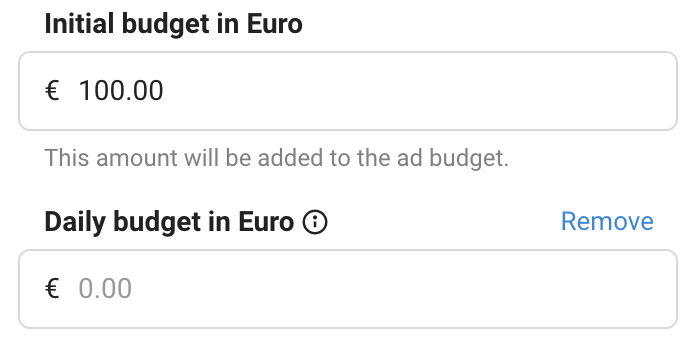
- Daily budget — allows you to control impressions over the required time and protect against sudden overspending.
Scheduling ads
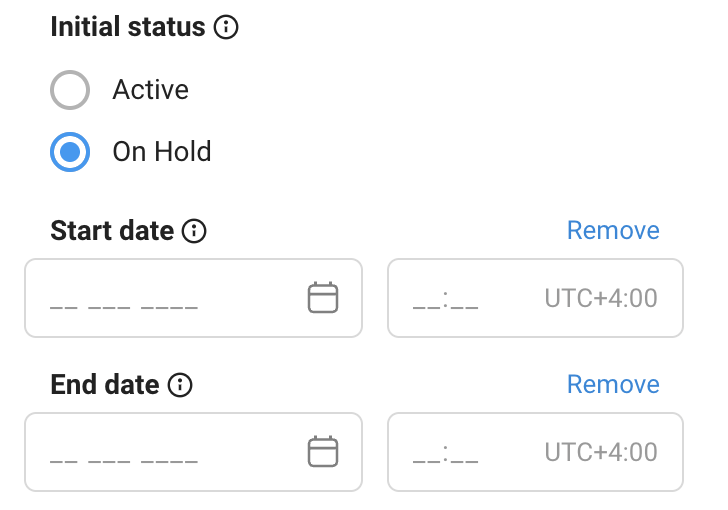
If you choose the first option, the campaign will begin immediately after moderation, allowing you to set an end date. However, if you choose the second option, a specialist will launch the campaign, and you'll be able to set not only an end date but also a start date.
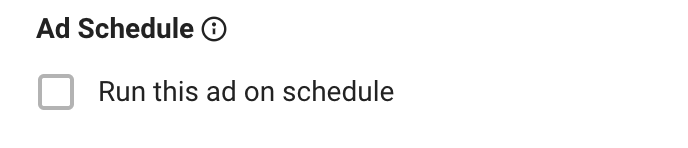
After selecting an option, you can set up a display schedule by checking the 'Ad Schedule' box. Then, configure the schedule, with the days of the week displayed vertically and the hours displayed horizontally. When targeting users (Target Users), you can also specify whether the system should use the user's time zone or a custom time zone.

Setting the audience
There are several targeting types on Telegram Ads: Target Search, Target Bots, Target Users, Target Channels. Targeting by multiple parameters at once is not possible. Each targeting type has its own set of customization options.
Target Search
You can specify keywords that your audience types in Telegram search so that your channel or bot appears in the results.
P.S.: here you only promote the link without the ability to add text to it.

Target Bots
Select specific bots and target their users.

Target Users
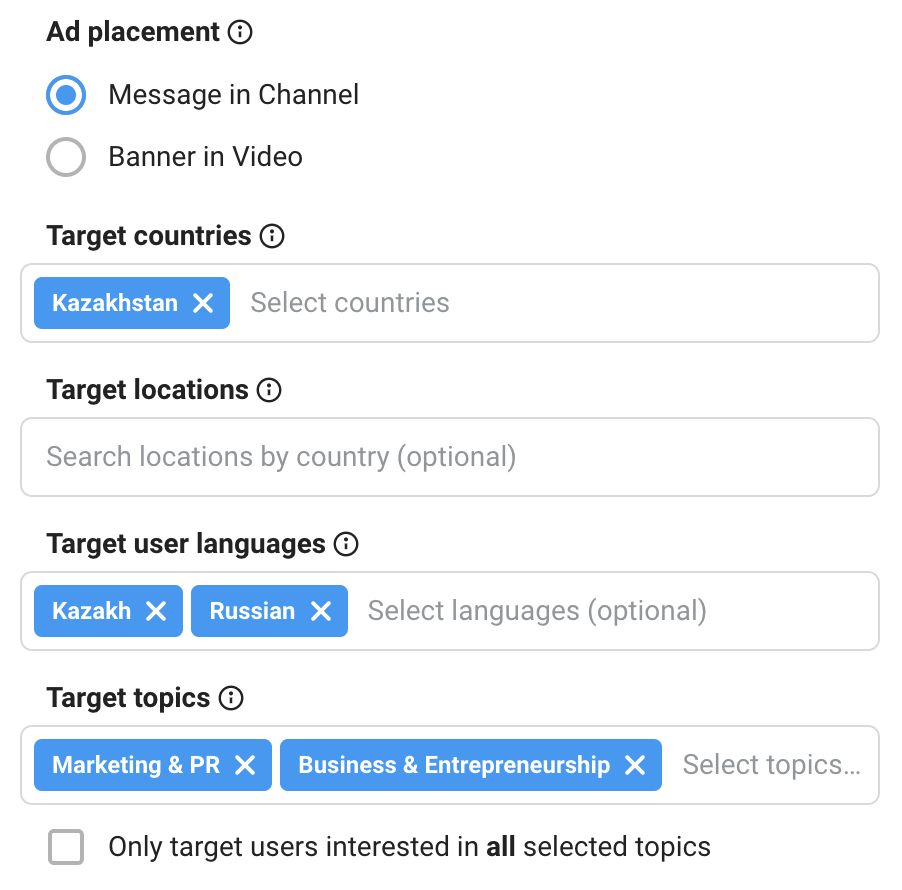
Geo targeting: Target users from specific countries and cities.
Target user languages: Show ads to users who prefer a specific language (or who know and understand it). For example, if you select Kazakh, your ads will only be shown to users who have Kazakh selected in the app.
Target topics: Target users based on their interests. Telegram determines interests based on the topics of major public channels to which the user is subscribed.
Target specific channels (their audience)
Target subscribers of a specific channel(s). Your ads will be shown to this audience across all channels they follow.

Target device type
Segment your ad audience by device type. Five options are available: All devices, iOS, Android, Desktop, and Mobile.

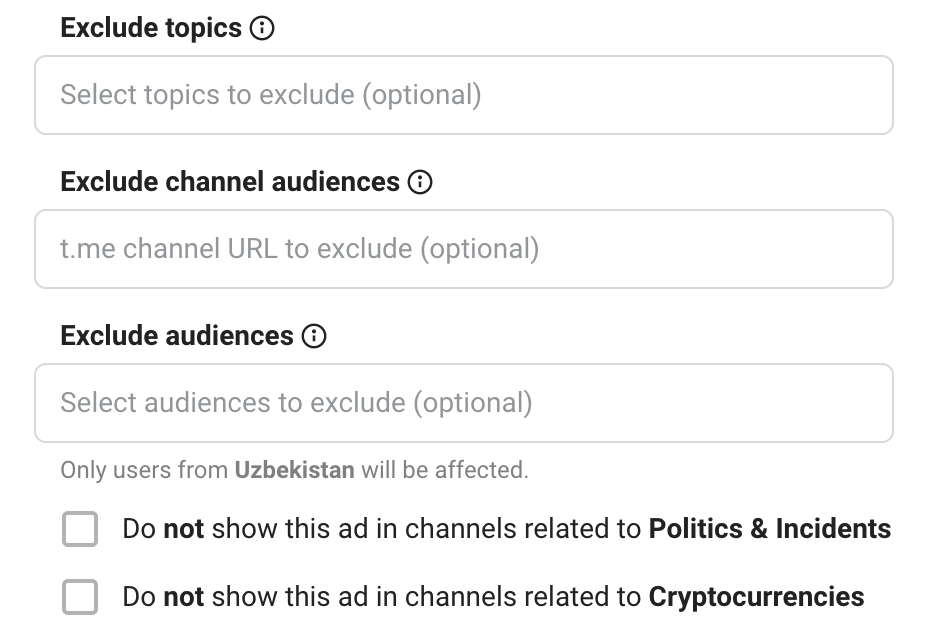
Exclusions
- users with certain interests
- subscribers of selected channels or custom audiences
- exclude placements in political, incident-related, or crypto channels
Target Channels
Channel language: Select the language for publishing content in the channels your target audience is likely to read.
Channel topic: You can narrow your audiences slightly by channel topic.

💡 When setting up ads in Telegram Ads, you need to select not only the channel topic but also the language. If you want your ad to appear in channels with a specific topic, also specify the channel language. This helps ensure your ads appear in the right channels and in the right language.
Selecting specific channels: Target specific Telegram channels. Add up to 100 unique target channel addresses in the following format: evido_worldwide, without the @ and https.

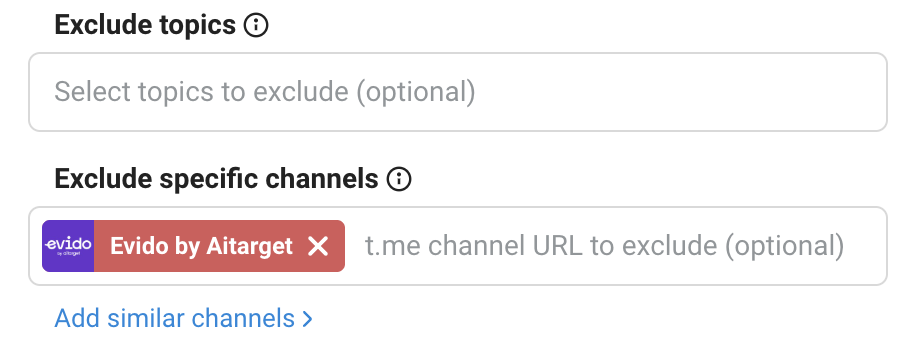
Exclude topics and channels
Mark topics and channels in which you do not want ads to appear.

.jpg)



.jpg)


.png)